2026 CTA Panel Content Type
ID: 849
Name: 2026 CTA Panel
Description: Create a callout with an image and links.
How to use
- Add a mandatory Panel Heading Top and optional Panel Heading Bottom
- Add Panel Description
- Add Image from Media Library
- Add between 1 and 3 Panel Links
- Add CTA Link Text
- Select the type of link to use, either internal, external or media and populate the corresponding source for selected link
*Please note that the "Panel Links" elements are configured with the Repeater - 2026 CTA Panel Links content type below.
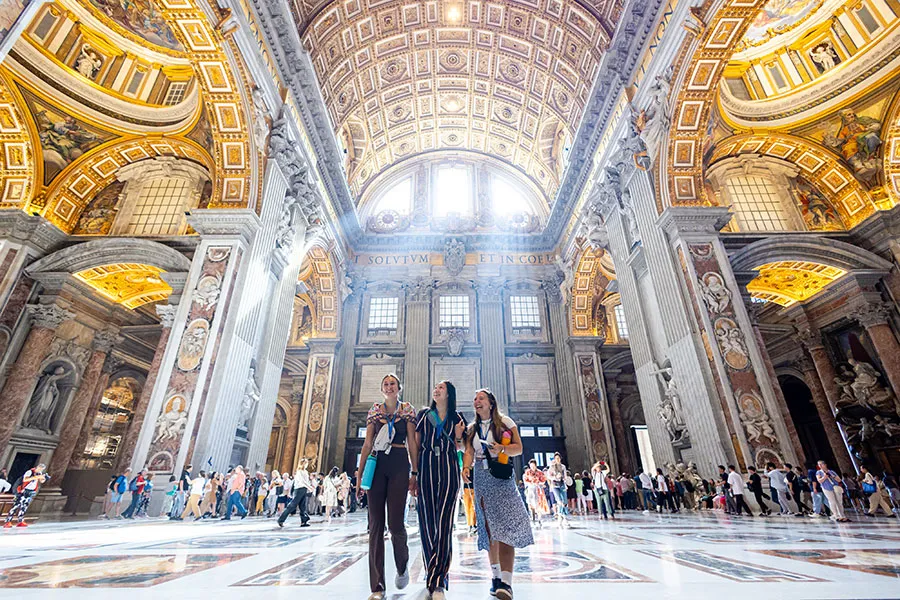
Example of the "2026 CTA Panel" at the top of the page.
Content Element Details
| Name | Description | Size | Type | Required |
|---|---|---|---|---|
| Name | The Name element | 80 Characters | Plain Text | true |
| Panel Image | Upload image from media library | 80 Characters | Media | true |
| Panel Heading Top | Enter heading for panel (top line) | 150 Characters | Plain Text | true |
| Panel Heading Bottom | Enter heading for panel (bottom line - new paragraph) | 80 Characters | Plain Text | false |
| Panel Description | Enter text for description | 500 Characters | Plain Text | true |
| Panel Links | Details for each link will be entered here | 80 Characters | Repeater | true |
Repeater - 2026 CTA Panel Links Content Type
ID: 848
Name: Repeater - 2026 CTA Panel Links
Description: Used in conjunction with the 2026 CTA Panel content type to populate CTA links.
Repeaters allow you to configure a Content Type so that it can include another content type inside it. Content editors can then "Add another" to make for an intuitive editing experience. More details can be found here.
Content Element Details
| Name | Description | Size | Type | Required |
|---|---|---|---|---|
| Name | The Name element | 80 Characters | Plain Text | true |
| CTA Link Text | This is the clickable text | 150 Characters | Plain Text | true |
| Link Type | Select the type of link, internal or external or media | 80 Characters | Select Box | true |
| CTA Link (internal) | Select a section or piece of content within your site to send your visitor | 80 Characters | Section/Content Link | false |
| CTA Link (external) | Paste a full URL from another website (including https://) | 200 Characters | Plain Text | false |
| CTA Link (media) | Insert media for link | 80 Characters | Media | false |